1
/
of
6
AURSINC
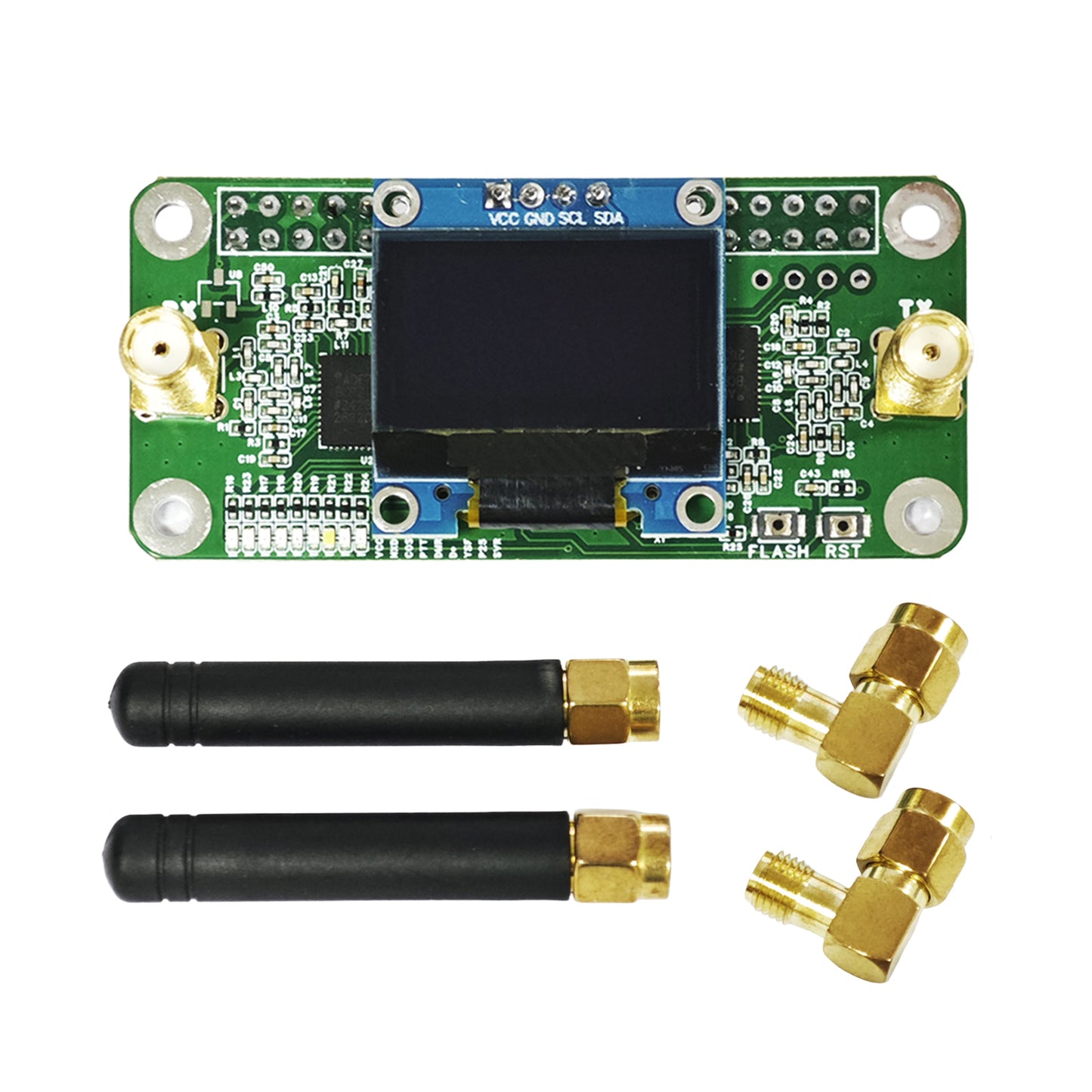
AURSINC Mini MMDVM Duplex Hotspot Board with Antenna, UHF (433-900MHz) VHF (144-146MHz) Dual Band, Supports P25 DMR YSF DSTAR NXDN POCSAG, Compatible with Raspberry Pi-Zero W/3/3B/3B+/4 (with OLED)
AURSINC Mini MMDVM Duplex Hotspot Board with Antenna, UHF (433-900MHz) VHF (144-146MHz) Dual Band, Supports P25 DMR YSF DSTAR NXDN POCSAG, Compatible with Raspberry Pi-Zero W/3/3B/3B+/4 (with OLED)
Regular price
$48.99
Regular price
$58.99
Sale price
$48.99
Unit price
/
per
Shipping calculated at checkout.
Couldn't load pickup availability
- [Wide Compatibility] Supports DMR, P-25, D-Star protocols and system integration. High-performance configuration: Equipped with a 32-bit ARM processor, with RF power up to 10mW, and the product has undergone comprehensive testing. Compatible with all Raspberry Pi models, including Pi 1, 2/2b, 3/3b/3b+, 4/4b, Pi Zero, and Pi Zero 2W
- [Easy to Assemble] Firmware is pre-loaded and can be easily upgraded via software. Onboard LED indicators display real-time device status (Transmit Tx, Receive Rx, Push-To-Talk PTT, operating mode). Supports Pi-star control mode selection: Duplex Mode / Simple Mode
- [Frequency Range] Supports UHF band 433-900MHz and VHF band 144-146MHz (including 144-148, 219-225, 420-475 main frequency bands, and 842-950 band). Best suited for amateur bands: 430-440MHz. Note: TX (Transmit) = 0, RX (Receive) = 0. To keep the screen on continuously in Pi-Star settings, ensure "OLED Type 3" is selected in the "Display Type" field at the top of the page, and set the port to: Modem
- [Setup Instructions] The modem type can be modified (supports any model ending with GPIO). Select Radio/Modem Type as: STM32-DVM/MMDVM_HS-Raspberry Pi Hat (GPIO). Enter the "Expert" section, find "MMDVM Host", and scroll down to the "OLED section". Set LogoScreensaver to "1" to keep the screen on at all times; otherwise, the screen will go blank when idle
- [Updating New Firmware (FW)] Upgrade operation: Press and hold the BOOT button to power on, or press and hold the BOOT button at any time, then briefly press the RST button and release it. When the SVC light is off, it enters upgrade mode (operation path: pi-star / Expert / SSH Access / Username: pi-star Password: radpberry). No need to set jumpers; you can directly execute the upgrade command (enter in the Pi-star terminal): sudo pistar-mmdvmhshatflash hs_dual_hat
Share